Built for the way you already work
One thumb, in the van, between stops.
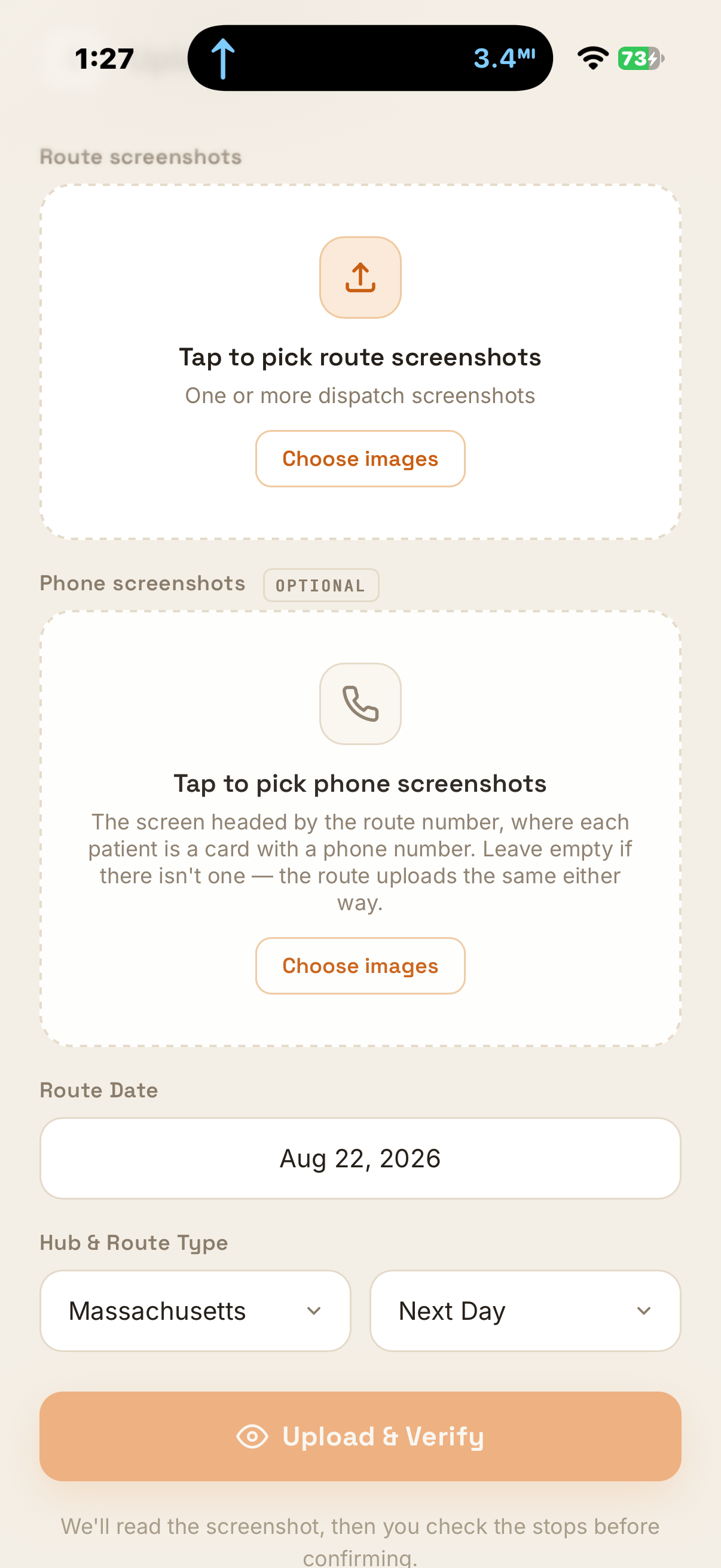
Upload a route
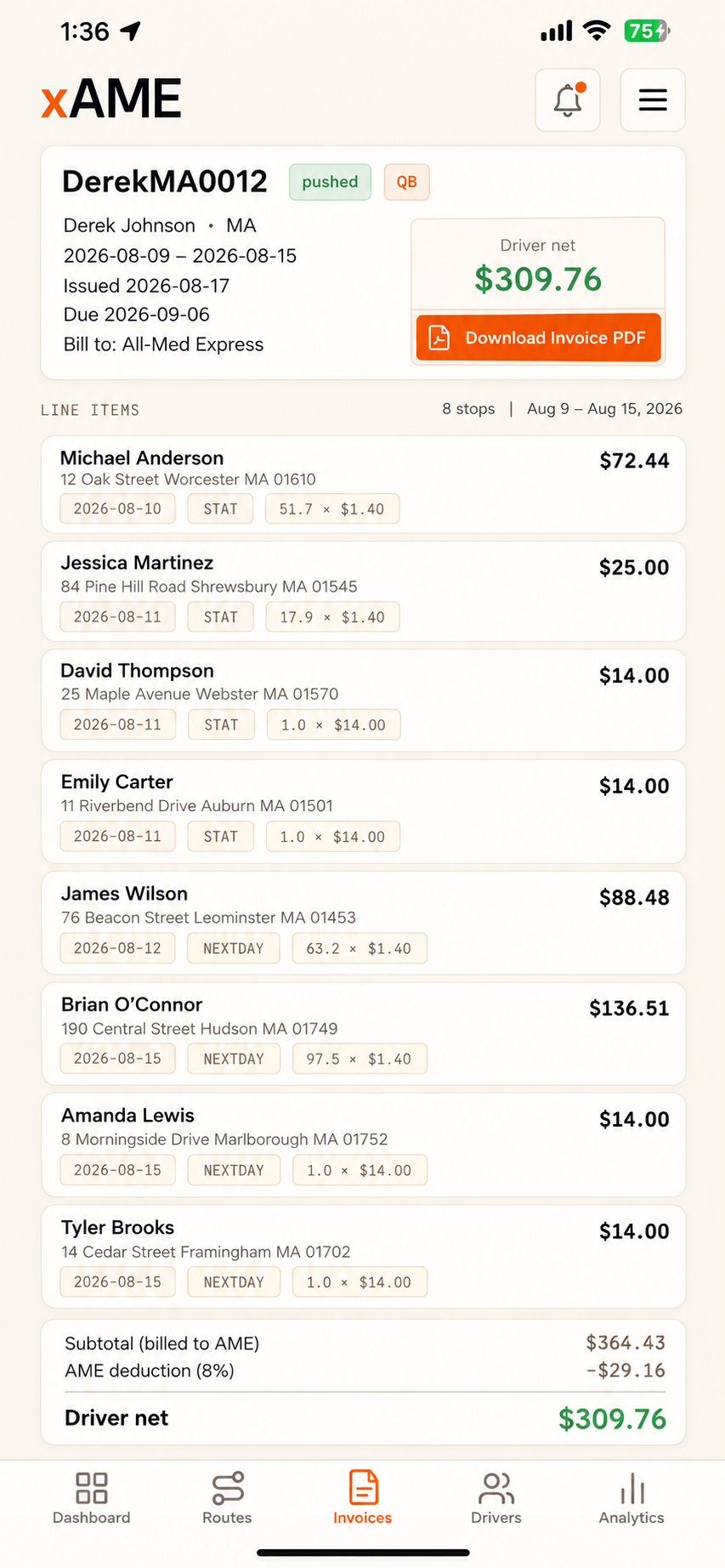
The finished invoice
Upload your routes through the week. Get the invoice AME expects, ready to send.
Create your accountFree to set up. Takes about a minute.
As you go. Screenshot each route, it reads the stops.
Your week, priced as it builds. No spreadsheets.
The invoice, totalled and numbered, when the week closes.
To AME, in the format they already accept.
One thumb, in the van, between stops.
Sign in on your phone, then add it to your home screen from the sign-in page. Drivers use the driver sign-in. There's nothing to download.